
Expands in any app
Works in your own keyboard's text fields across Gmail, WhatsApp, Slack, Chrome and more, with a one-tap Undo after every expansion.
Free to start · 100% offline · One-time Pro
Type a short trigger like /addr and watch it become your full address, email
reply or code block, in any app. Private, offline and free to start.
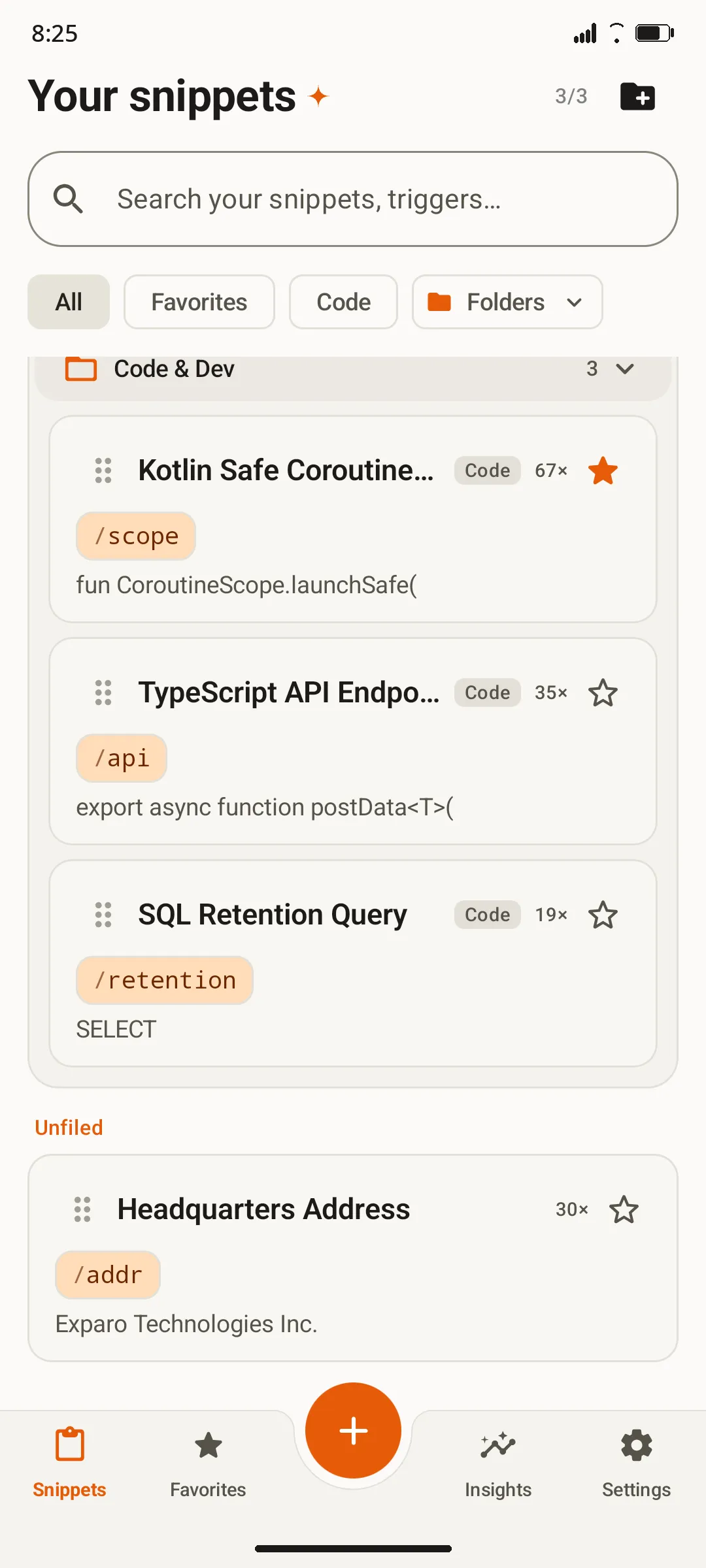
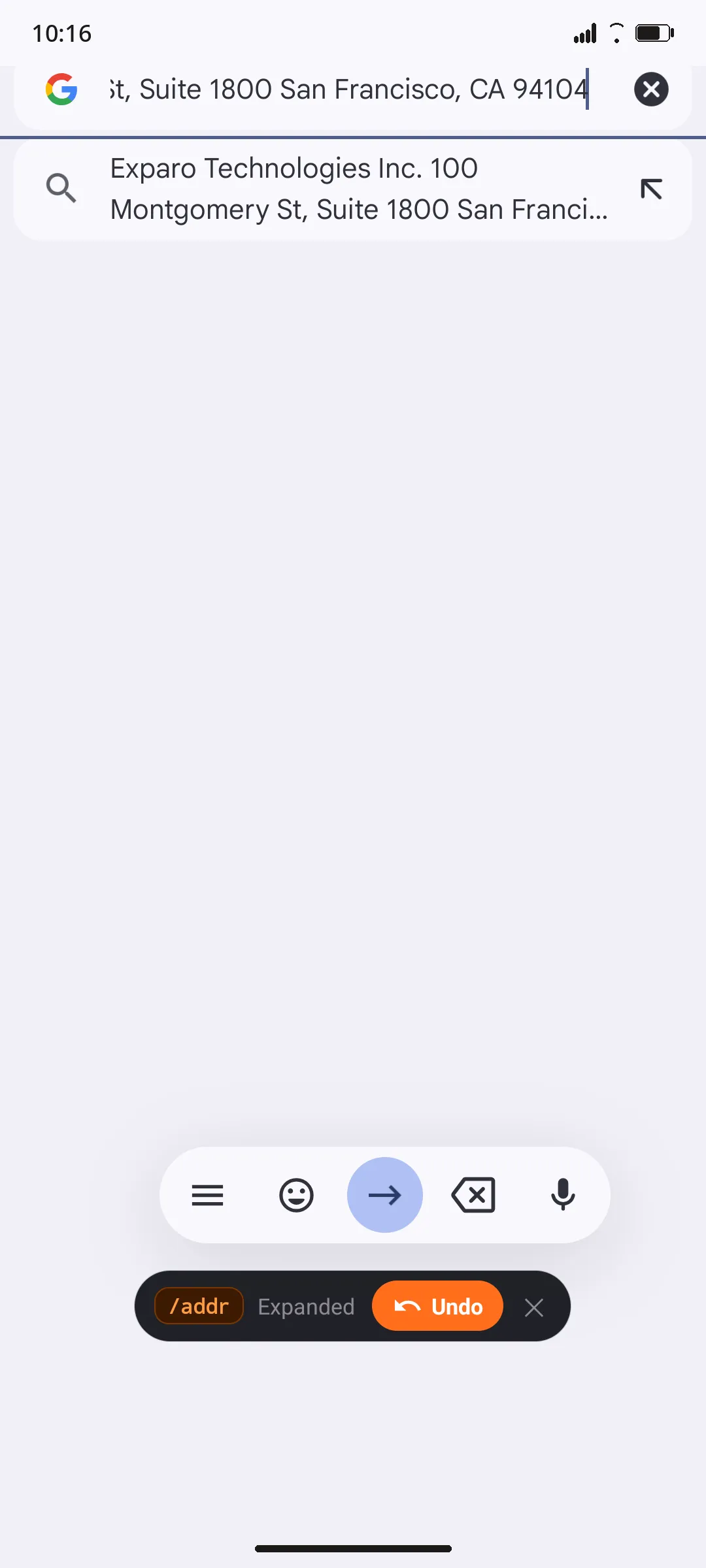
Exparo is a free, offline text expander and snippet manager for Android. It replaces short triggers such as /addr with full text, code blocks, dates or clipboard content in any app, without an account or an internet connection.
From setup to saving time in under a minute.
Write the text you keep retyping, then give it a short trigger such as /addr or /sig.
In Gmail, WhatsApp, Slack, Chrome or any text field, type your trigger. Exparo spots it as you type.
Your full text replaces the trigger instantly. Changed your mind? One tap on Undo brings the trigger back.
Everything you need to stop retyping, nothing that slows you down.
Works in your own keyboard's text fields across Gmail, WhatsApp, Slack, Chrome and more, with a one-tap Undo after every expansion.
Insert {{date}}, {{time}}, {{clipboard}}, {{cursor}} or {{uuid}}, ask yourself for details with {{prompt:Client Name}}, and embed one snippet inside another.
Save boilerplate in 21 languages, including Kotlin, TypeScript, Python, Rust and SQL, with syntax highlighting and tab stops.
Organize snippets into folders, star the ones you use most, drag snippets into folders, and search by title, trigger or content.
Some banking and payment apps block accessibility tools. Switch to Exparo's built-in Snippet Keyboard there and insert snippets with one tap.
Prefer not to use accessibility at all? A floating bubble gives you one-tap access to every snippet over any app.
Export everything to one JSON file or a CSV spreadsheet. Import from CSV, TextExpander or Texpand. Optional daily auto-backups with Pro.
See keystrokes saved, your daily streak and your most-used snippets and apps, all calculated on your device.
The interface is available in English, Español, Français, Deutsch, हिन्दी, বাংলা, العربية and اردو.
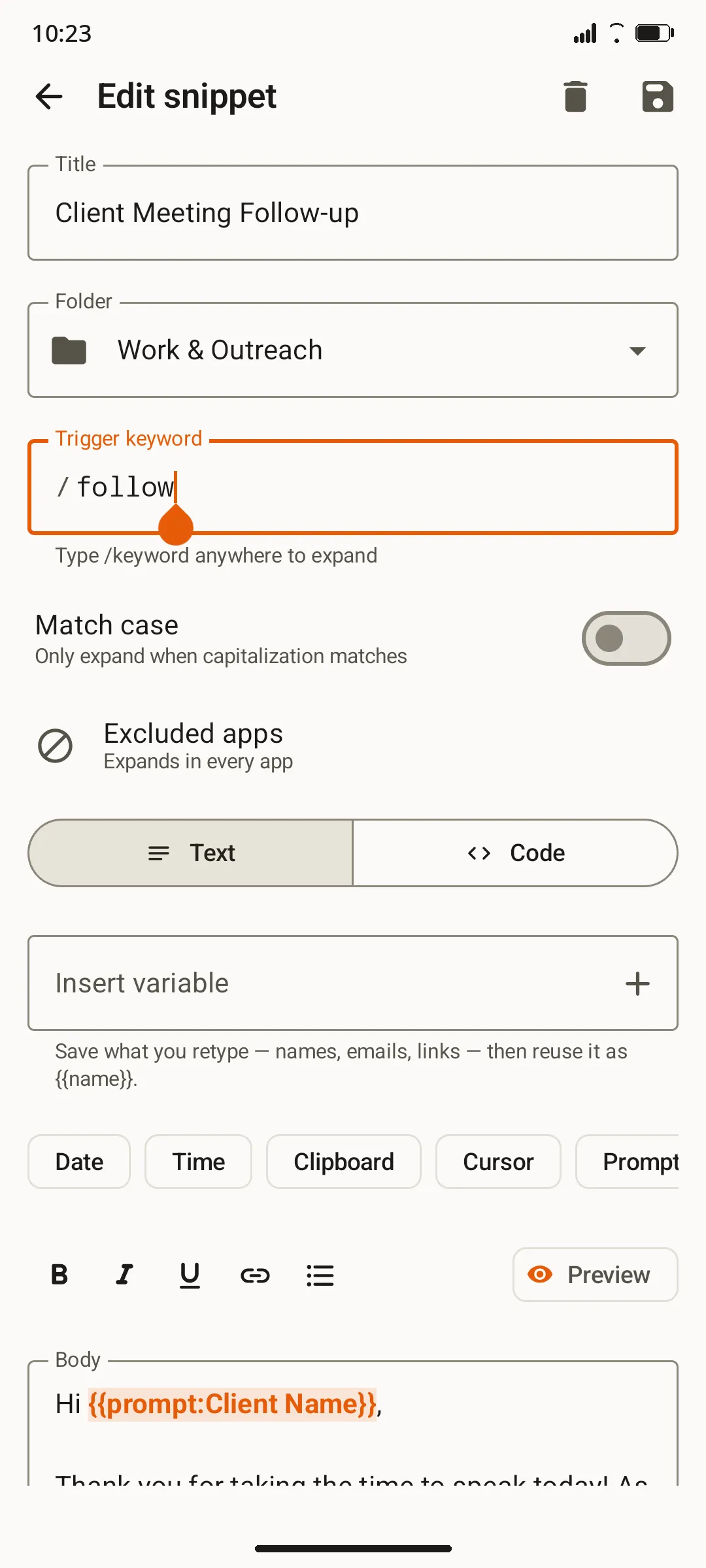
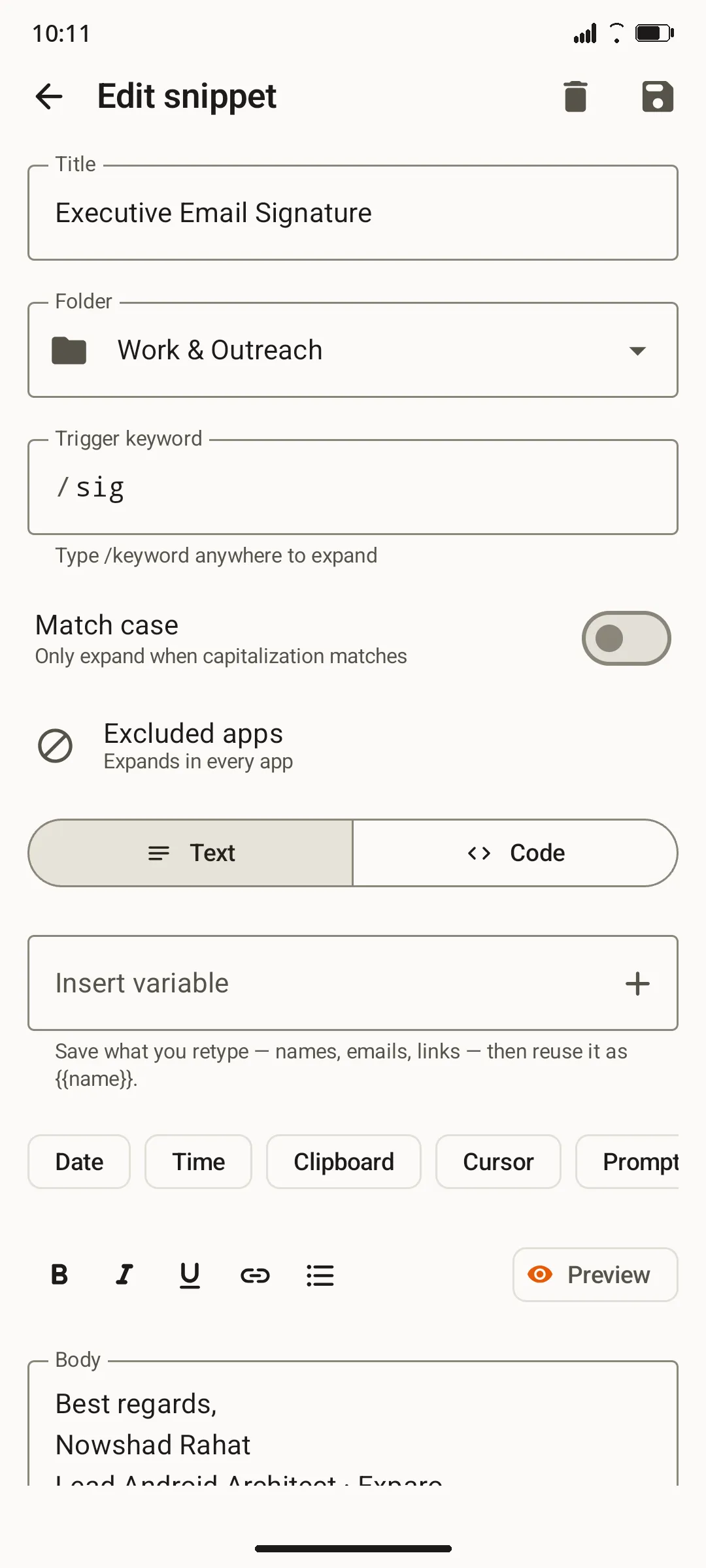
Exparo asks for no internet permission, so your snippets cannot leave your phone. You can verify that on its Google Play listing.
Exparo cannot connect to the internet at all. Your snippets, statistics and settings never leave your phone.
There is no sign-up, no analytics, no advertising SDK and no server. Uninstalling removes everything.
Password fields are always skipped, observed text stays in memory only, and you can switch the typing aid off in Android settings at any time.
| Feature | Exparo | Typical cloud expanders |
|---|---|---|
| Account required | No | Usually yes |
| Internet permission | None at all | Required |
| Where snippets live | Only on your device | On company servers |
| Works offline | Always | Sometimes |
| Pricing | Free tier + one-time Pro | Often a monthly subscription |
Read the full Privacy Policy, including every permission Exparo uses and why.
Free to start. One payment unlocks Pro forever. No subscription, ever.
| Feature | Free | Pro ($4.99 one-time) |
|---|---|---|
| Snippets | 3 | Unlimited |
| Folders | 1 | Unlimited |
| Expansion in any app | ||
| Built-in variables and code snippets | ||
| Snippet Keyboard and floating bubble | ||
| Custom saved variables | ||
| Home screen widget | ||
| Automatic daily backups | ||
| All future updates |
The Pro price is shown in your local currency on Google Play before you buy. Purchases are handled entirely by Google Play, and you can restore Pro on any device signed in to the same Google account.
Exparo is a free text expander and snippet manager for Android. You save text you retype often, give it a short trigger like /addr, and Exparo replaces the trigger with the full text in any app. It works offline, needs no account, and has an optional one-time Pro upgrade.
Exparo uses an Android accessibility service called the typing aid. It watches only the field you are typing in, in memory, to spot your trigger, then replaces it with your snippet directly in the field — your clipboard is never touched. It works with your own keyboard, such as Gboard or SwiftKey, so you never have to change keyboards.
Android only allows an accessibility service to type into other apps without replacing your keyboard, so Exparo needs that permission to expand triggers. It is safe by design: Exparo has no internet permission, so nothing it sees can leave your phone, password fields are skipped, and observed text is never stored or logged.
Yes, through the Snippet Keyboard. Banking and payment apps often block accessibility services, so Exparo includes an opt-in keyboard. Enable it in Settings, switch to it with the keyboard icon on the navigation bar, tap a snippet to insert it, and Exparo returns you to your normal keyboard automatically.
Yes. Exparo declares no internet permission, so it cannot send or receive data. There are no accounts, analytics, trackers or ads. Snippets are stored only on your device, and backups are plain files that you create and control. Uninstalling the app removes all of its data.
Exparo is free to start with up to 3 snippets and 1 folder. A single one-time Pro purchase of $4.99 (or local equivalent in your currency) through Google Play unlocks unlimited snippets and folders, custom variables, the home screen widget, automatic daily backups and all future updates. There is no subscription.
Yes. Exparo imports from CSV and Excel exports, TextExpander and Texpand backups, and its own JSON backup format. You can also export your entire library to JSON or a CSV spreadsheet at any time from Settings.
Exparo supports Android 7.0 (Nougat) and newer, including the latest Android releases, on phones and tablets. The interface is available in English, Spanish, French, German, Hindi, Bengali, Arabic and Urdu.
Not at the moment. Exparo is built specifically for Android, because it relies on Android accessibility and input method features that iOS does not offer to third-party apps.
Email Nowshad Hossain Rahat at nowshad.hossain.rahat@gmail.com, or open an issue or follow along on GitHub at github.com/nowshad-hossain-rahat. Exparo is built and maintained by one independent developer, and every message is read.
Download Exparo free and turn your most-typed text into a few keystrokes.
Get it on Google Play